
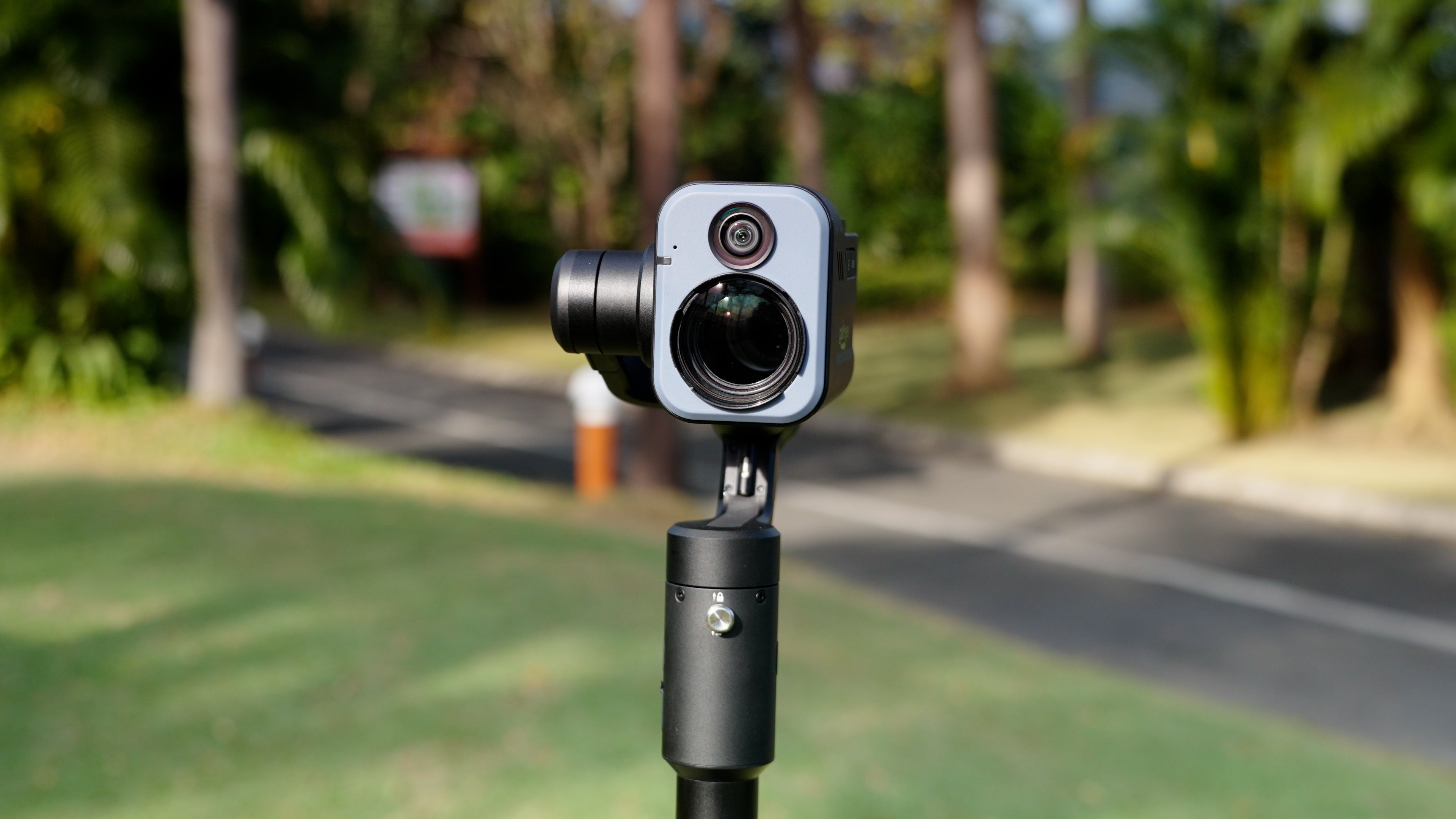
As a golfer, you've probably wished you could easily film your perfect shots without needing someone else to hold the camera. Golfeye solves that problem with cutting-edge AI technology that automatically detects your shot and captures the action in real-time. Here's how to use it:
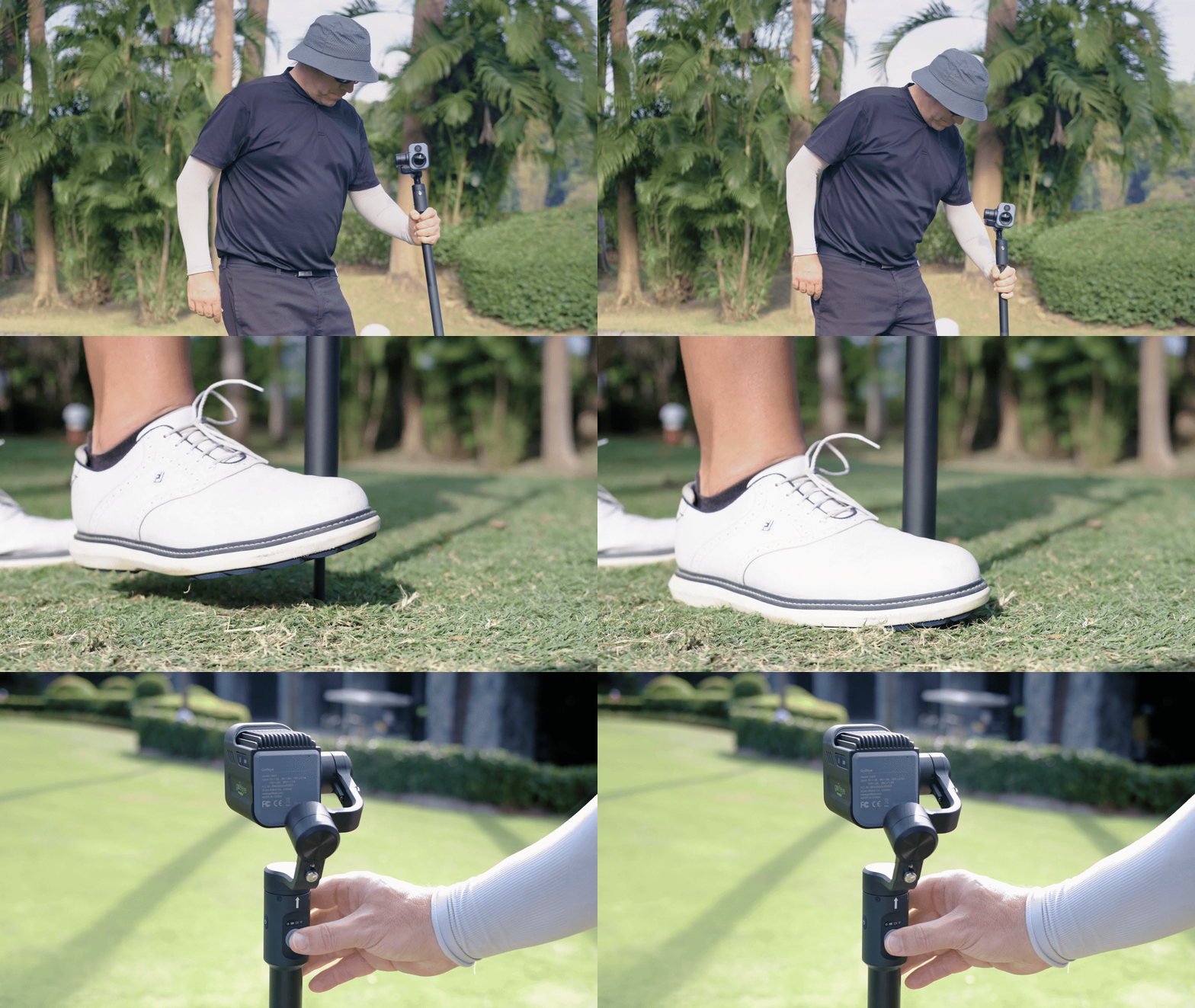
1. Setting Up Golfeye
Golfeye comes with an easy-to-use spike base that helps you position the camera on the ground, ensuring a steady shot. Simply place it at the tee box and press the Start button to activate the system.
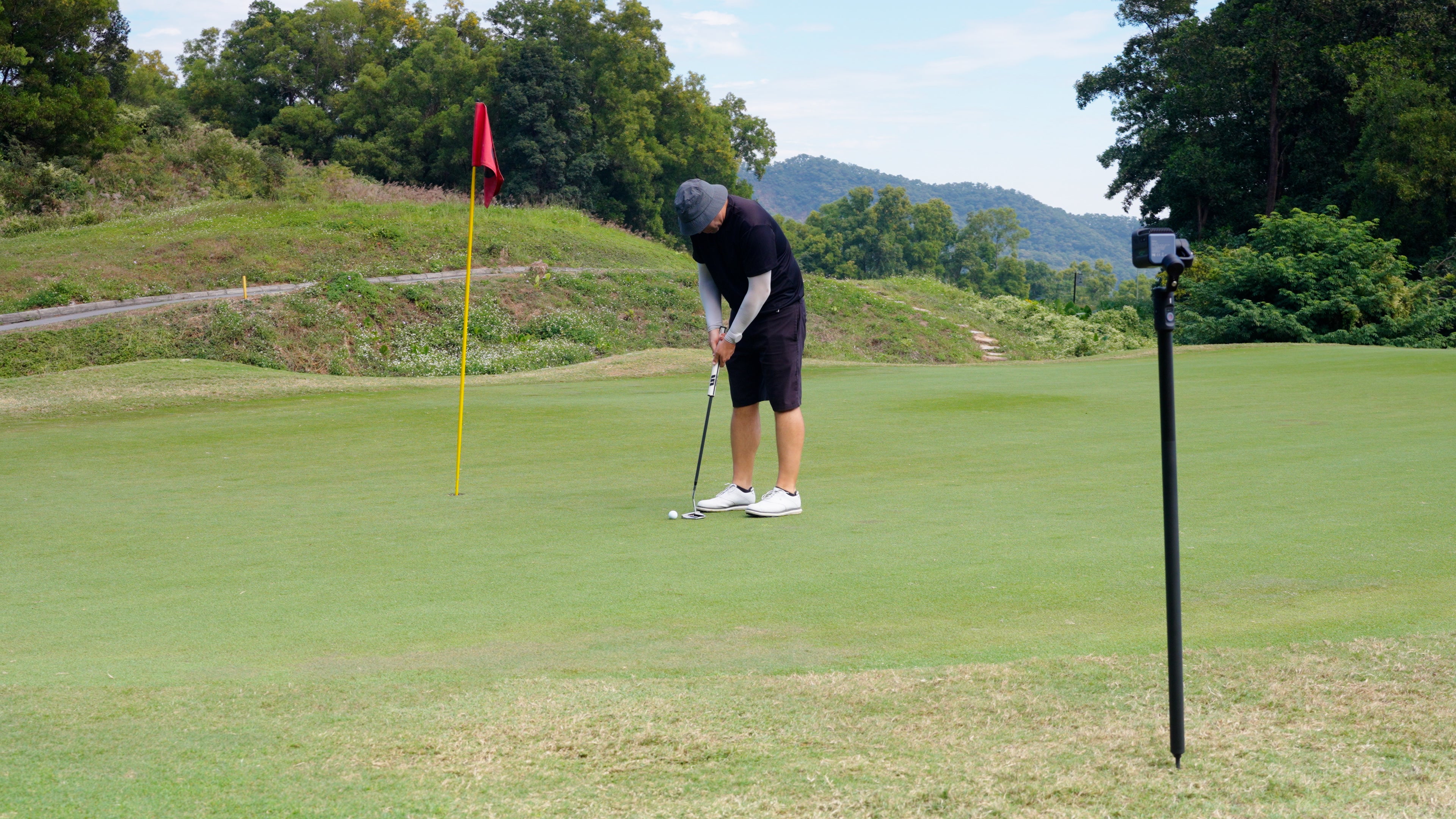
2. AI-Powered Detection
Once activated, Golfeye’s AI algorithm kicks in. It scans the green for the flag and then locates the ball at the tee box. Once both are detected, Golfeye will notify you with a voice command:
"Please hit the ball!"
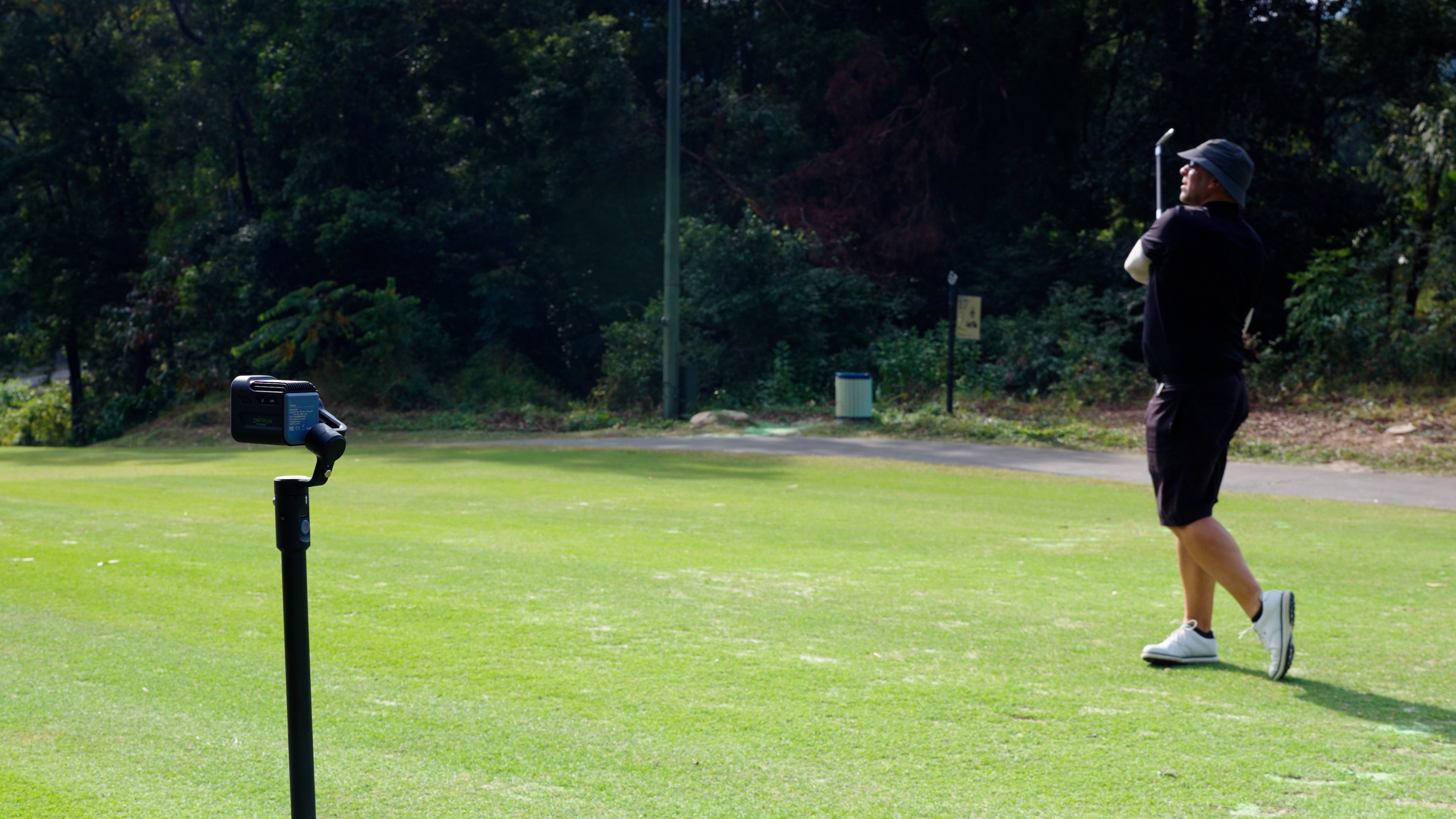
3. Capture the Swing
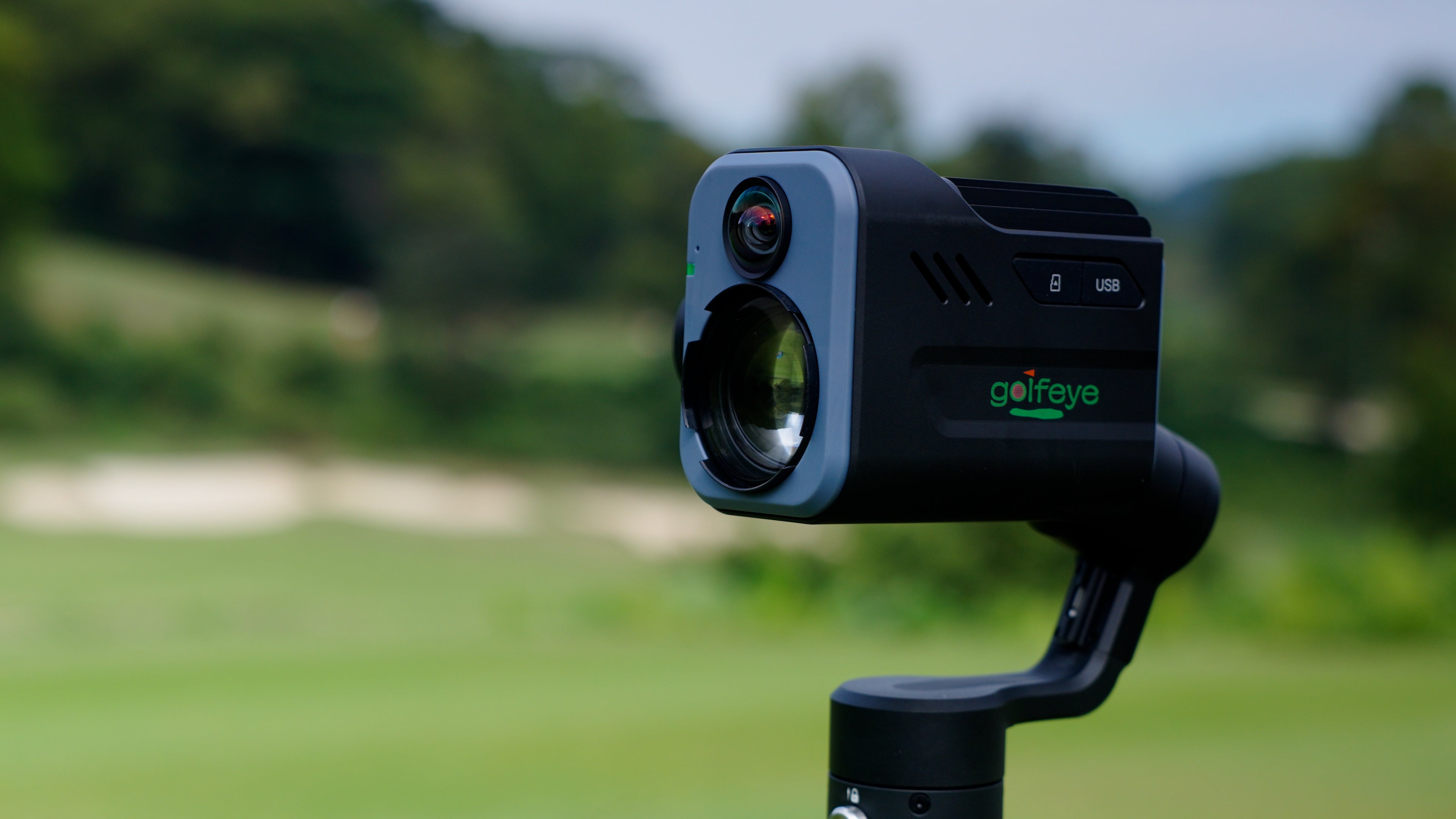
As soon as you hit the ball, Golfeye’s dual cameras—18x zoom and wide-angle lenses—start recording simultaneously. The cameras are aligned along the same axis, capturing two perspectives of your shot. The gimbal rotates the cameras as the ball is hit, ensuring the shot and its path to the hole are captured smoothly.
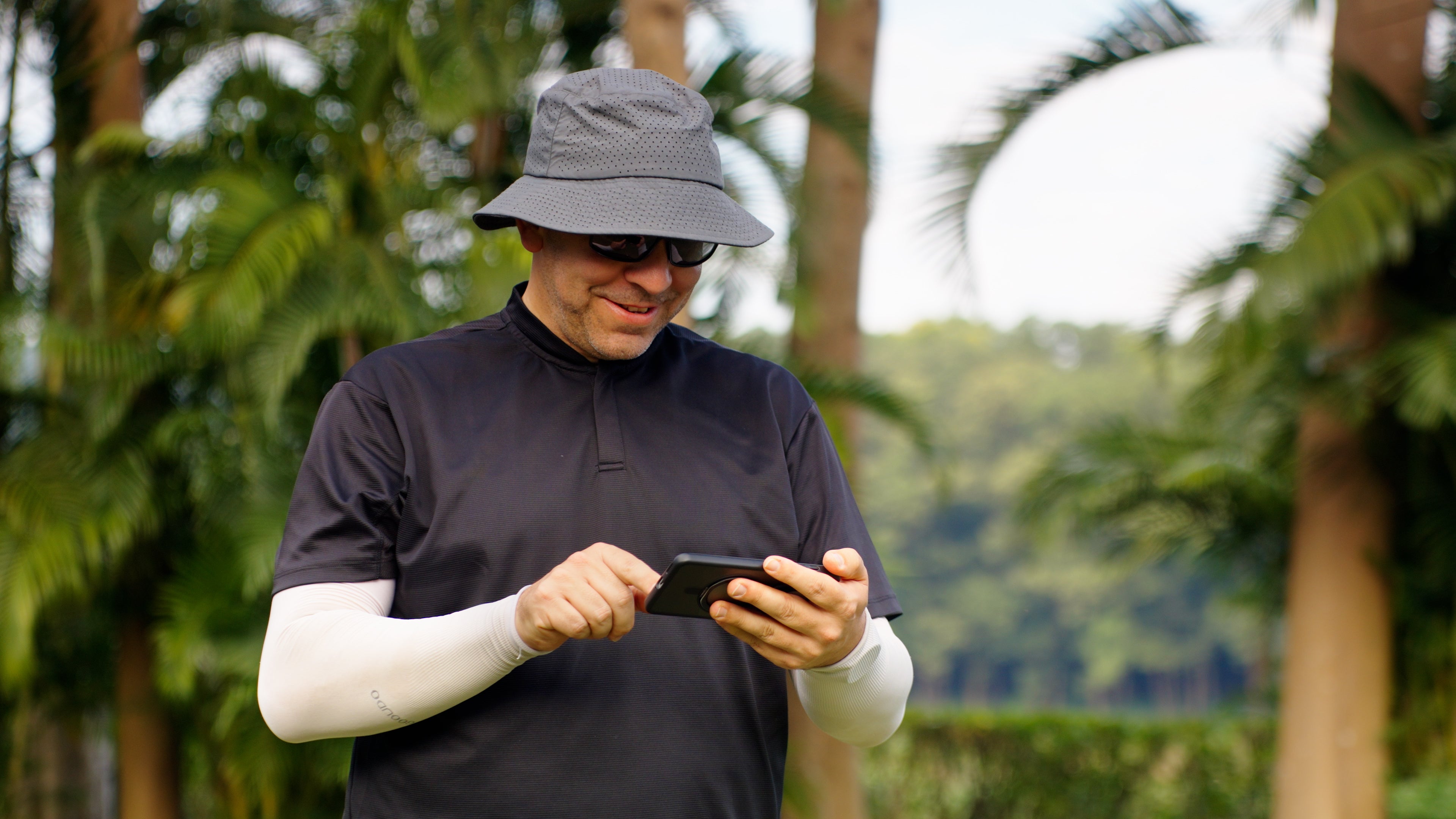
4. Zoom In on the Landing Spot
Golfeye’s 18x zoom lens allows it to magnify the shot and clearly capture the ball’s landing spot on the green, giving you an amazing close-up view of your shot in action.
5. Capture the Reaction
After capturing the shot, Golfeye returns along the same path and records your reaction for the next 10 seconds. This adds a personal touch to your video, showcasing the joy and excitement of your moment on the course.

6. Effortless Filming in 10 Seconds
In just 10 seconds, Golfeye completes the entire filming process. From detecting the flag and ball to capturing the shot and reaction, everything happens automatically—leaving you free to enjoy your game.
Compact and Travel-Friendly
Golfeye is designed to be easily portable. Its compact packaging makes it easy to carry with you to any golf course, ensuring you never miss a moment. Whether you’re traveling for a tournament or hitting the range, Golfeye is your perfect companion.

Fully Automatic
Put Golfeye on the ground, point at the flag, press the start button, that’s it! It will compose the videos from capturing your swing, zoom to where your ball just landing, and capture the most exciting video for your golf play.

For all different golfers
Whether you belongs to high handicap; or a star pro, Golfeye captures different moment for you: driver, iron, fairway wood, bunker, short game, putting etc. All golf shots can be captured by yourself while you are playing with others.

Fine adjustments
For those prefer to film their shots more detailly, with the app, different settings can be adjusted differently for greater effect etc. more zooming to highlight shots; slope adjustment etc.

Dual lenses
There are two cameras housed in the main cabinet. One with a zoom 18X lens while other is a 120-degree wide angle lens. It takes video by both lens at the same time along the same axis so that every shot, there are two videos, one is with zoom view and the other is with 120-degree wide angle.

Picture in picture
To view the video with magnified view , e.g. to see the ball landing more clearly particular for phone LCD size, the zoom picture can be processed by magnified a quarter screen on top of the original image so that ball landing can be highlighted.

Control by phone app (Android or IOS)
With app on smart phone, Golfeye can be connected with the app provided. Through wifi, user can communicate with Golfeye easily to operate different features.
Golfeye User Manual
Get the full breakdown of how to set up, operate, and maximize every feature of your Golfeye device. This manual includes step-by-step instructions, AI tracking explanations, troubleshooting guides, and best-practice tips to help you capture every moment effortlessly.